
Seamless sharing
Send secure links without attachments. Control access with simple permissions.

Fylo stores your most important files in one secure location.Access them wherever you need,share and collaborate with friends,family,friends family,and co-workers
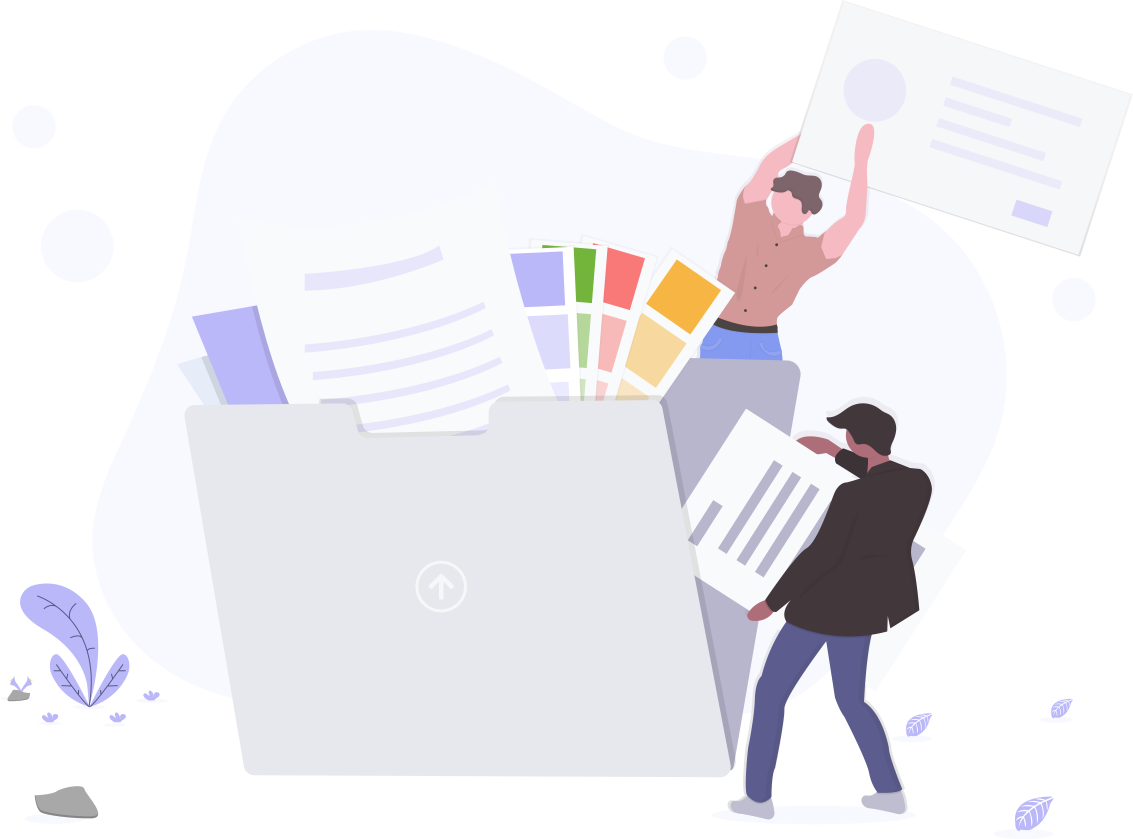
Send secure links without attachments. Control access with simple permissions.

Stay in sync across web, mobile, and desktop so work continues wherever you are.

Track changes and restore previous file states to prevent accidental overwrites.

Collaborate live with comments and mentions to keep discussions with the work.
Never let location be an issue when accessing your files.Fylo has you covered for all your file storage needs
Securely share files and folders with friends,family and colleagues for live collaboration No email attachment required

Fylo has improved our team productivity by an order of magnitude Since making the switch of our team has become a well-oiled collaboration machine

Founder & CEO Hustle
Your files are stored redundantly across secure data centers with encryption in transit and at rest, so your content stays protected without extra setup.
Share folders with teammates and collaborate live. Mentions, comments, and link sharing keep everyone aligned without email attachments.
Automatic versioning lets you track changes and quickly restore previous file states, preventing accidental overwrites.
Access your files from web, mobile, and desktop. Your content stays in sync so you can pick up where you left off anywhere.
Sign up in minutes and set your preferences. Invite teammates when you're ready.
Drag and drop files or import folders. Use simple structure and search to find anything fast.
Send links, assign roles, and collaborate in real time with comments and activity.
Fylo keeps our team aligned and reduces email overload. We ship faster with fewer meetings.
Simple sharing, powerful collaboration. Our content stays secure and accessible everywhere.
Version history has saved us countless hours. Restoring files is effortless.
Yes. Data is encrypted in transit and at rest. Access controls let you decide who can view or edit your content.
Share via secure links or invite collaborators to folders. You can set viewer or editor permissions and revoke access anytime.
Desktop apps support offline access. Changes sync automatically when you reconnect.
It only takes a minute to sign up and our free starter tier
is extremely generous. If you have any questions
our support
team will be happy to help you